December 28, 2024
1 min read
checkout bootstrap 4 issue October 8, 2020

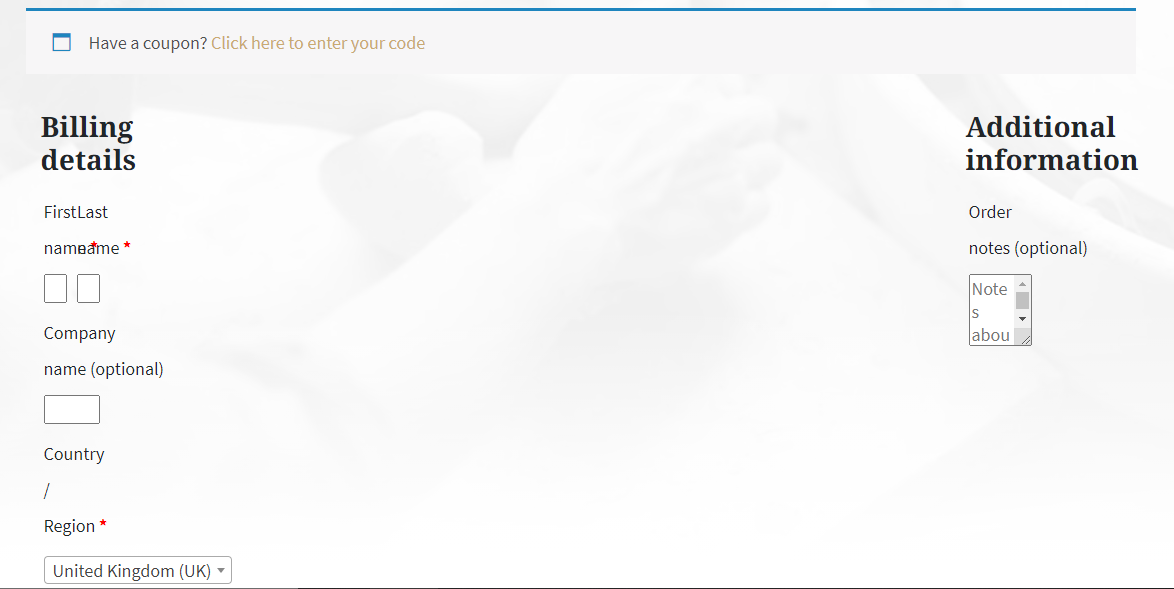
If we use Bootstrap 4 there will be some issues in the checkout field. it something like this
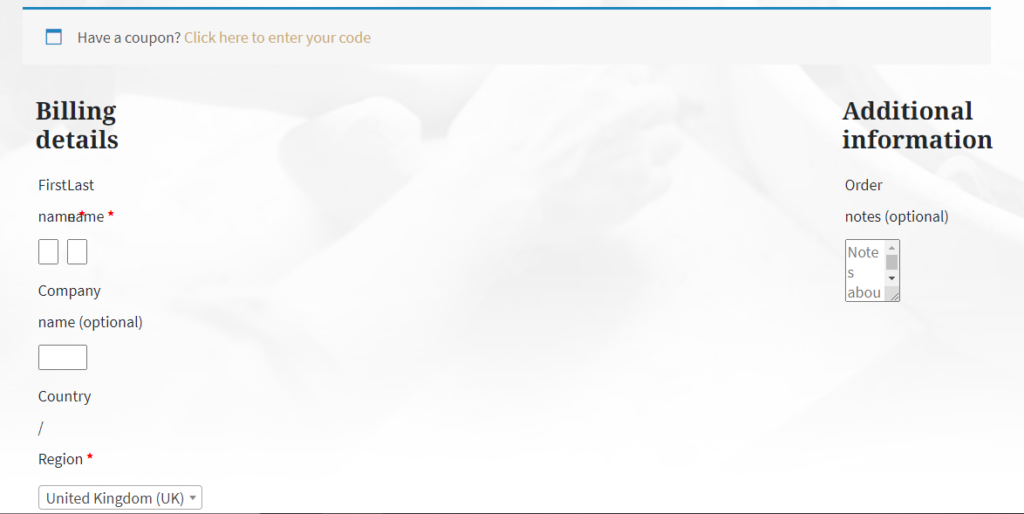
Checkout Bootstrap 4 issue

New bootstrap 4+ has css class like this: col-1, col-2 etc

WooCommerce has the same CSS class ( eg col-1, col-2, etc ) used in the checkout page. If any theme is built on Twitter Bootstrap 4+ then those CSS classes will make conflict and the checkout page will be broken.

To solve WooCommerce Checkout Conflict with Bootstrap 4.x issue


Cusotm.css
.woocommerce-billing-fields .form-row,
.woocommerce-shipping-fields .form-row,
.woocommerce form .form-row {
  display: block;
}

.woocommerce .col2-set .col-1,
.woocommerce-page .col2-set .col-1,
.woocommerce .col2-set .col-2,
.woocommerce-page .col2-set .col-2 {
  max-width: unset;
}

That it. now it field will be looks perfect

Leave a Reply

Your email address will not be published. Required fields are marked *

1 Comment

Conditional statement to show pagination

Conditional statement to show pagination on WordPress archive or blog page

Remove WooCommerce checkout fields

Remove WooCommerce Checkout field with simple filter hook

WordPress Ajax Search without plugin [ Easy ]

WordPress Ajax Search without plugin. Fully custom code work with woocommerce as well

Update WooCommerce Delivery cost with condition

Change Delivery price base on what item in cart

Web Development Project in mind?

if you looking for a web developer for paid contribution to your project I am available for work.

Mukto
Mukto

Click the button below to chat with me.